

Migrating to Microsoft 365: A Step-by-Step Guide for Businesses
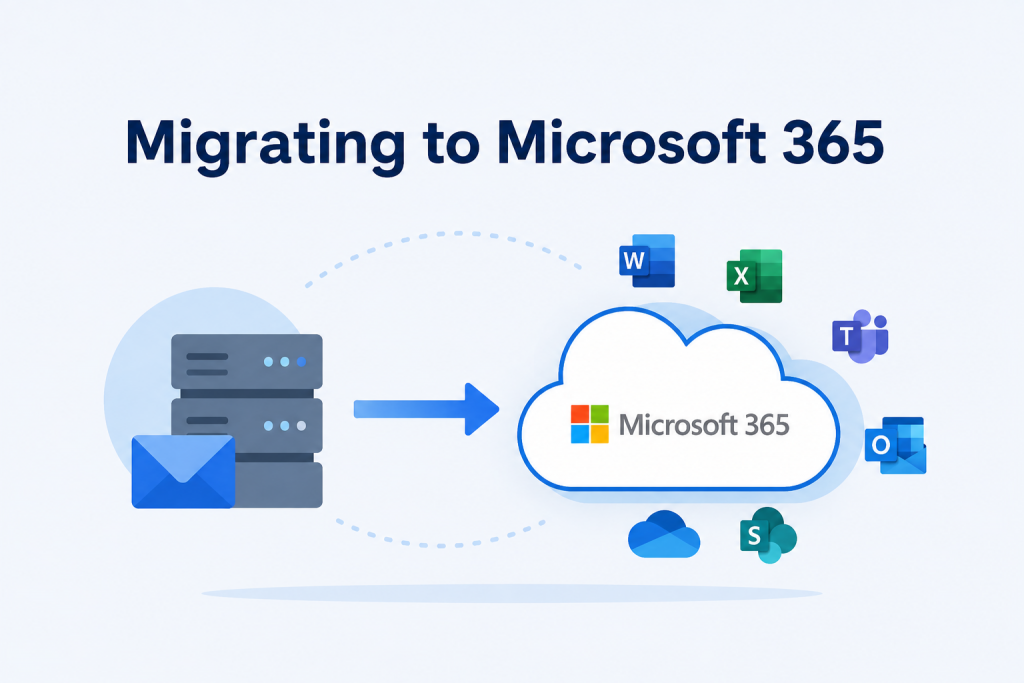
Moving to Microsoft 365 is more than transferring emails or files. It is an opportunity to improve collaboration, strengthen security, and give your employees access to modern productivity tools.
Many businesses delay migration because they worry about downtime, data loss, or disruption to daily work. With the right planning, migrating to Microsoft 365 can be straightforward and low risk.
This guide explains each stage of the migration process, what to prepare, and the common mistakes to avoid.
Why Are Businesses Migrating to Microsoft 365?
Microsoft 365 provides businesses with cloud-based tools that help employees work securely from anywhere.
Key benefits include:
- Access files from any device.
- Collaborate in real time using Microsoft Teams.
- Store documents securely in SharePoint and OneDrive.
- Improve cybersecurity with built-in security features.
- Reduce IT maintenance by moving to the cloud.
- Scale your business without investing in additional servers.
Whether you’re a small business or a growing organisation, Microsoft 365 supports flexible and efficient ways of working.
Step 1: Assess Your Current Environment
Before migrating, review your existing IT environment.
Consider:
- Where are your emails hosted?
- How much data needs to be moved?
- Which users require Microsoft 365 licences?
- What applications depend on your current systems?
- Are there outdated files that should be archived?
A clear assessment helps reduce migration issues later.
Step 2: Choose the Right Microsoft 365 Plan
Different businesses have different requirements.
When selecting a plan, consider:
- Number of employees
- Security requirements
- Email storage
- Collaboration needs
- Compliance requirements
- Device management
Choosing the right licence ensures you only pay for the features your business needs.
Step 3: Prepare Your Data
Before moving data to Microsoft 365:
- Remove duplicate files.
- Archive old documents.
- Organise shared folders.
- Review permissions.
- Back up important business data.
Cleaning your data before migration makes the process faster and more organised.
Step 4: Set Up Your Microsoft 365 Environment
Your Microsoft 365 tenant should be configured before migrating users.
This includes:
- Creating user accounts
- Configuring domains
- Setting up email
- Configuring security policies
- Enabling Multi-Factor Authentication (MFA)
- Creating SharePoint sites
- Configuring Microsoft Teams
Proper configuration helps users start working immediately after migration.
Step 5: Migrate Emails, Files and Documents
Most businesses migrate:
- Emails
- Calendars
- Contacts
- Shared folders
- Documents
- OneDrive files
Migration tools can transfer data while maintaining folder structures and permissions.
Depending on the size of your business, migration may take several hours or several days.
Step 6: Test Everything
Before completing the migration:
- Check email delivery.
- Test Microsoft Teams.
- Verify SharePoint permissions.
- Confirm document access.
- Test mobile devices.
- Ensure users can log in successfully.
Testing helps identify issues before they affect your employees.
Step 7: Train Your Employees
Technology alone does not improve productivity—people need to know how to use it effectively.
Provide training on:
- Microsoft Teams
- Outlook
- SharePoint
- OneDrive
- Microsoft 365 security features
Well-trained employees adopt new systems more quickly and confidently.
Step 8: Monitor and Optimise
Migration is not the final step.
Continue monitoring:
- User adoption
- Security alerts
- Storage usage
- Licensing
- Collaboration performance
Regular reviews help your business get the most value from Microsoft 365.
Common Microsoft 365 Migration Challenges
Businesses often face:
- Poor planning
- Large volumes of outdated data
- Incorrect user permissions
- Email downtime
- Security misconfigurations
- User resistance to change
Most of these challenges can be avoided with proper planning and expert support.
Best Practices for a Successful Migration
For the best results:
- Create a migration plan.
- Back up your data before migration.
- Start with a pilot group.
- Schedule migration outside business hours.
- Communicate with employees throughout the process.
- Test everything before going live.
- Provide post-migration support.
Frequently Asked Questions
How long does a Microsoft 365 migration take?
The timeline depends on the amount of data, number of users, internet speed, and migration method. Small businesses may complete the process within a few days, while larger organisations may require several weeks.
Will there be downtime?
A well-planned migration keeps downtime to a minimum. Many migrations can be completed with little or no disruption to daily operations.
Is Microsoft 365 migration secure?
Yes. Microsoft provides secure migration tools and enterprise-grade security features. Following best practices and enabling features such as Multi-Factor Authentication (MFA) helps protect your data during and after migration.
Should I migrate Microsoft 365 myself?
Small organisations with simple requirements may be able to manage the migration. Businesses with complex environments, multiple users, or compliance requirements often benefit from working with experienced Microsoft 365 consultants.
Ready to Migrate to Microsoft 365?
A successful Microsoft 365 migration starts with the right strategy. Whether you’re moving from an on-premises server, another cloud platform, or upgrading your existing Microsoft environment, expert guidance can help minimise disruption and ensure a smooth transition.
At ThreeSixFive UK, we provide Microsoft 365 consulting services tailored to your business needs. From migration planning and setup to security configuration and post-migration support, our team is here to help every step of the way.
Contact ThreeSixFive UK today to discuss your Microsoft 365 migration and discover how we can help your business move to the cloud with confidence.